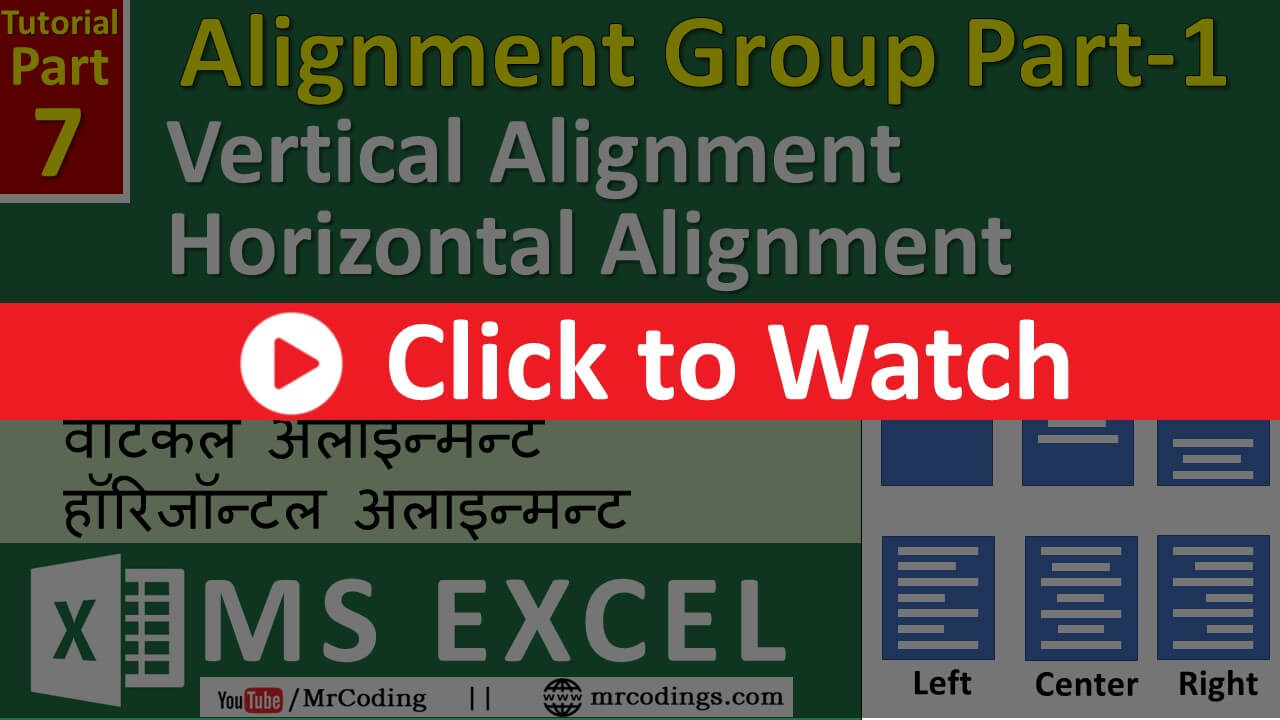
MS-EXCEL-007-Vertical Alignment | Horizontal Alignment | Put text to the center of the cell | Hindi
In MS Excel there are different alignment i.e. Left Alignment, Center Alignment, Right Alignment, Top Alignment, Middle Alignment, Bottom Alignment.
Learn Computer Programming
In MS Excel there are different alignment i.e. Left Alignment, Center Alignment, Right Alignment, Top Alignment, Middle Alignment, Bottom Alignment.
Click here to Watch Video એફિડેવટ માટેનો નમૂનો ડાઉનલોડ કરો 👇👇👇 Download Affidavit format SEBC/EBC/NTDNT …
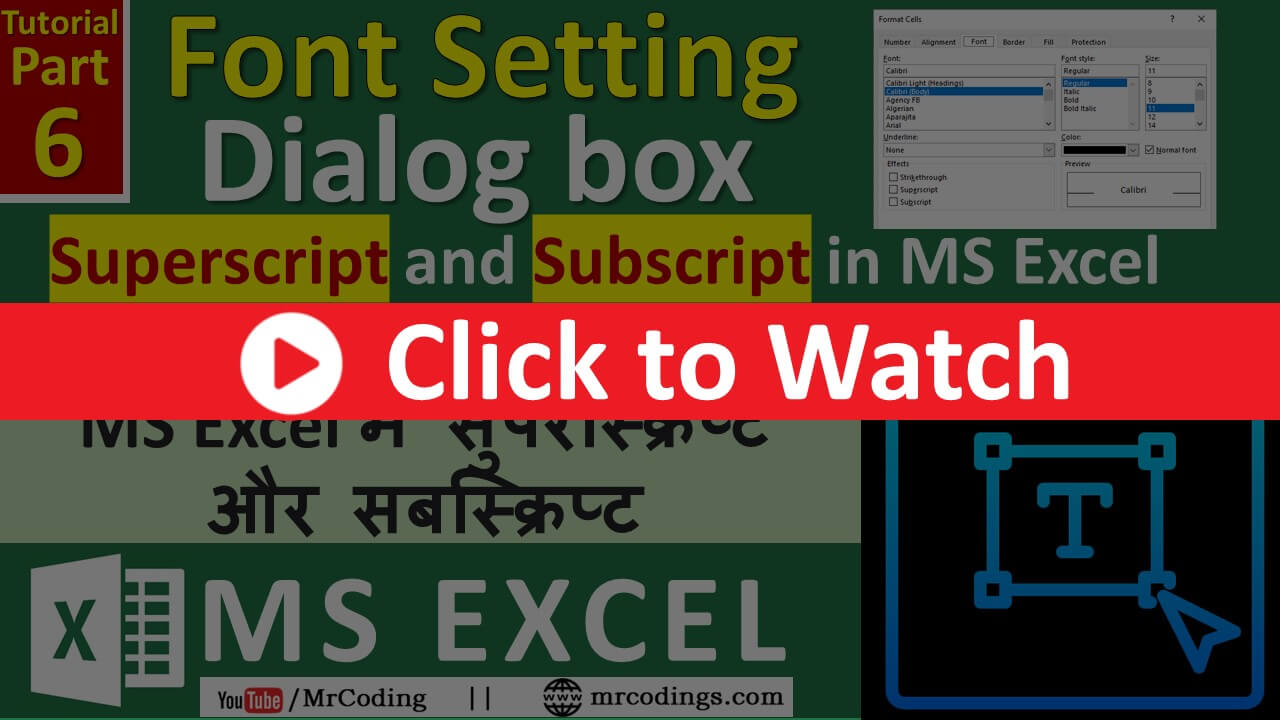
Single Underline, Double underline, Single Accounting, and Double Accounting, Strikethrough, Superscript, and Subscript in MS Excel
Borders of the Cell, Remove border, All borders, Thick Outside Border, Draw Border Grid, Erase Border, Line Color, Line Style, Draw Cross border in Cell
One can learn below given topics.- Font Style- Font Size- Increase or Decrease Font Size- Bold- Italic- Single or Double Underline- Fill Color- Font Color
We will learn some more very basics and very important topics of MS Excel. Name Box, Formula bar, Set Column Width, Set Row Height, Add Sheet, Delete Sheet.
In this, we will learn the very basics and very important topic of MS Excel. These all are very basic and very important topics in MS Excel.
With help of Set Bookmark Rules, one can easily modify the details in pages. User can use this rule with Mail Merge in MS Word.
With help of Next Record If rule, one can conditionally bring multiple mail merge records on a single page.